
UPDATE23 October
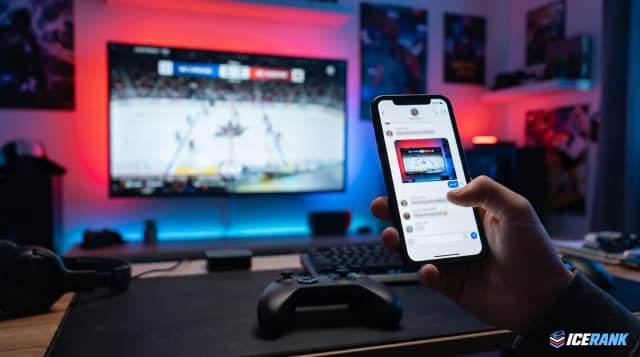
Photos in messages
Send your opponent a screenshot of the score or settings right in the chat.
How to send a photo
- The 📎 button next to the message field
- Or paste an image from your clipboard
- Or just drag a file into the chat window
You'll see a preview before sending, and any photo can be opened full screen. Links in messages are now clickable too.