
UPDATE25 October
ICERANK as an app: home screen icon and notifications
Add the site to your Home Screen: an icon on your phone, no address bar, and an instant notification when your opponent reports a score.
Add the site to your Home Screen. You'll get an icon on your phone, the site will open without the address bar, and you'll get a notification when your opponent reports a score.
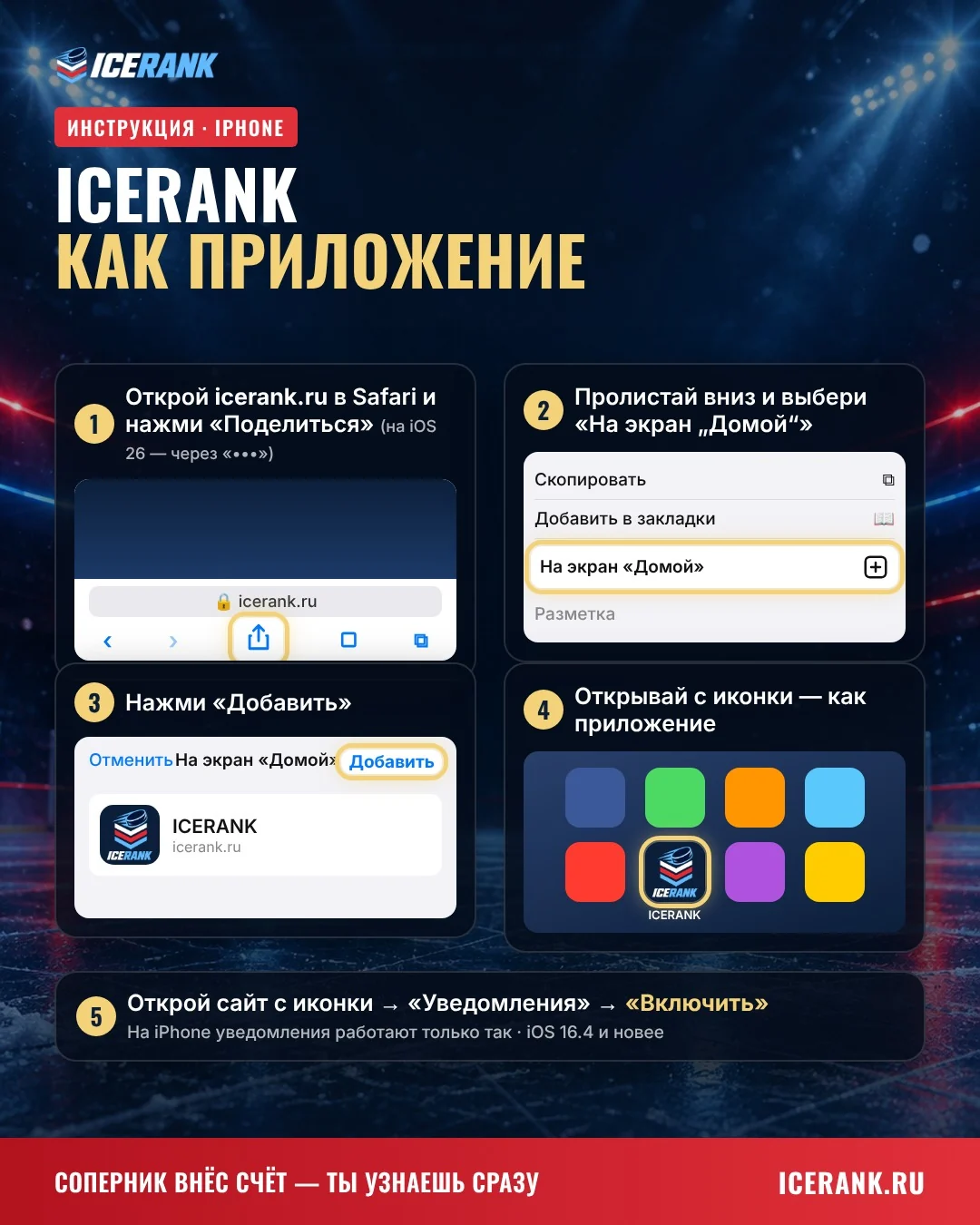
iPhone (Safari)
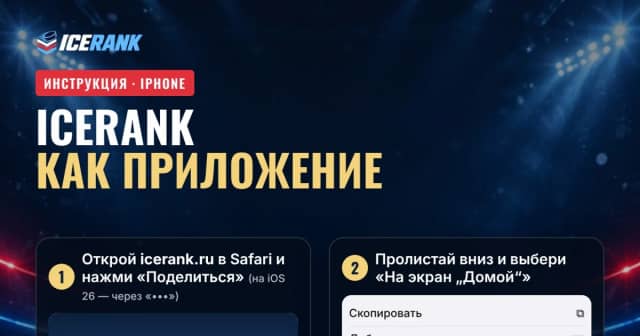
- Open icerank.ru and tap "Share" (on iOS 26 — via "•••").
- Choose "Add to Home Screen", then "Add".
- Open the site from the icon: "Notifications" → "Turn on".
On iPhone, this is the only way notifications work, and you need iOS 16.4 or later.
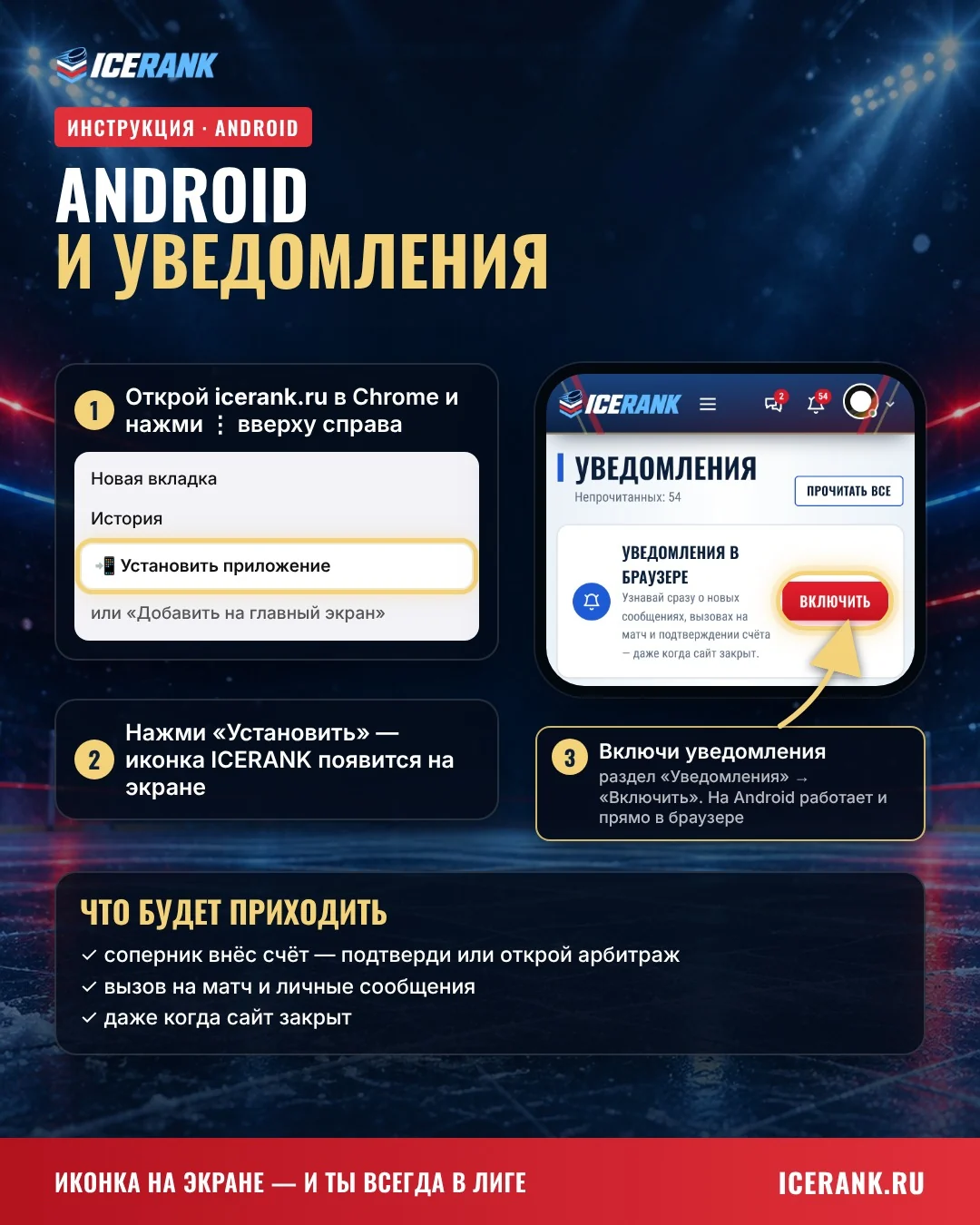
Android (Chrome)
- Open icerank.ru and tap ⋮ in the top right corner.
- Choose "Install app" or "Add to Home screen".
- "Notifications" → "Turn on".
What you'll get notified about
- your opponent reported a score — confirm it or open a dispute
- match challenges and messages
- even when the site is closed